Campus Rec

Intramural Sports
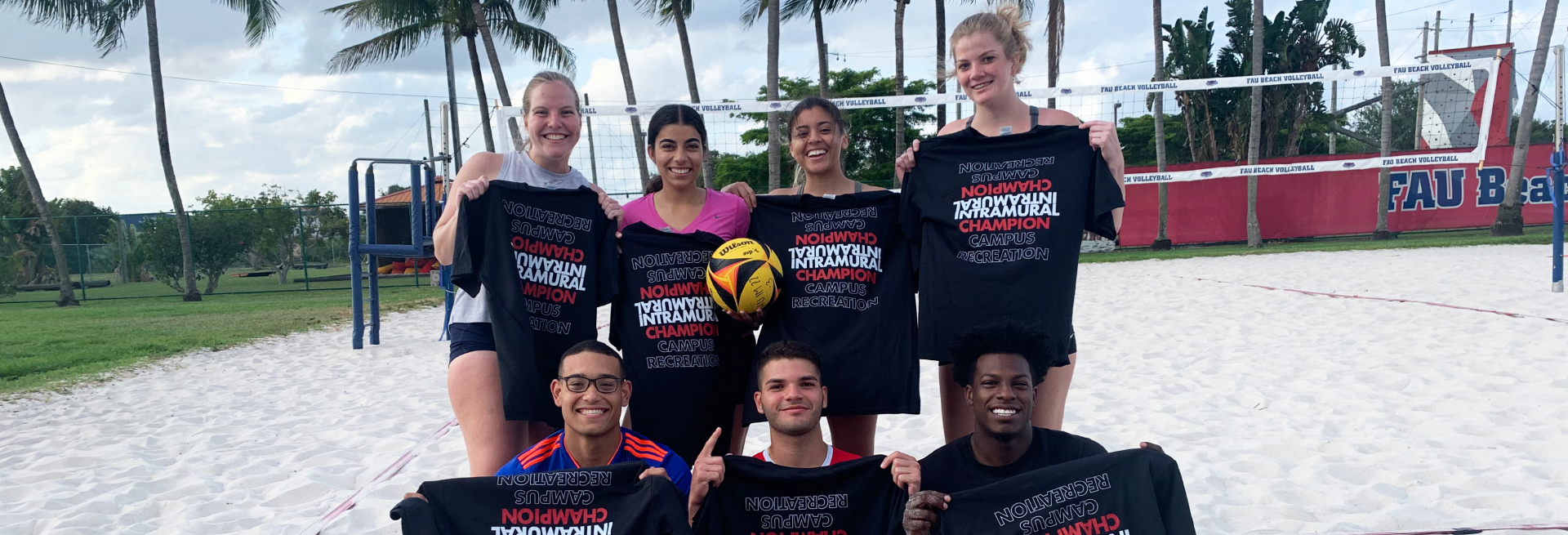
Intramural Sports are competitive and/or recreational sport leagues, tournaments, and special events. Available sports change each semester and have different registration deadlines.  View the current schedule  for deadlines and details. All skill levels are welcome.
 
Register to play and view your team's game schedule through  IMLeagues.com.  Eligible participants must bring a valid photo ID to every game.
 
E-mail us at  imsports@fau.edu  if you have any questions!


Frequently Asked Questions

Do you have a question that you don't see here? Email us at imsports@fau.edu.

Intramural Sports (IMs) are organized sport competitions between Florida Atlantic students and/or members. They consist of competitive and/or recreational sport leagues, tournaments, virtual programs, and special events. Campus Recreation provides student officials and all the necessary equipment.

Intramural Sports involves competition between students, faculty/staff, and Campus Recreation members on the Boca Raton campus. Sport Clubs offer Florida Atlantic students the ability to travel and compete against teams from other universities on regional and national levels.

Florida Atlantic offers Men's, Women's, Co (set ratio of males and females), and Open (no gender requirements) sports activities. Players may participate in both a Men’s/Women’s league, along with a Co/Open league in the same season.

No, all Florida Atlantic students currently registered for classes are welcome to participate in Intramural Sports. Faculty/Staff, alumni, etc. must purchase a “Community” Campus Recreation membership before participating in Intramural Sports. Individuals with a “Red” FAU Campus Recreation membership are NOT eligible to participate. A photo ID and proof of membership must be presented before participation in every Intramural contest or activity.

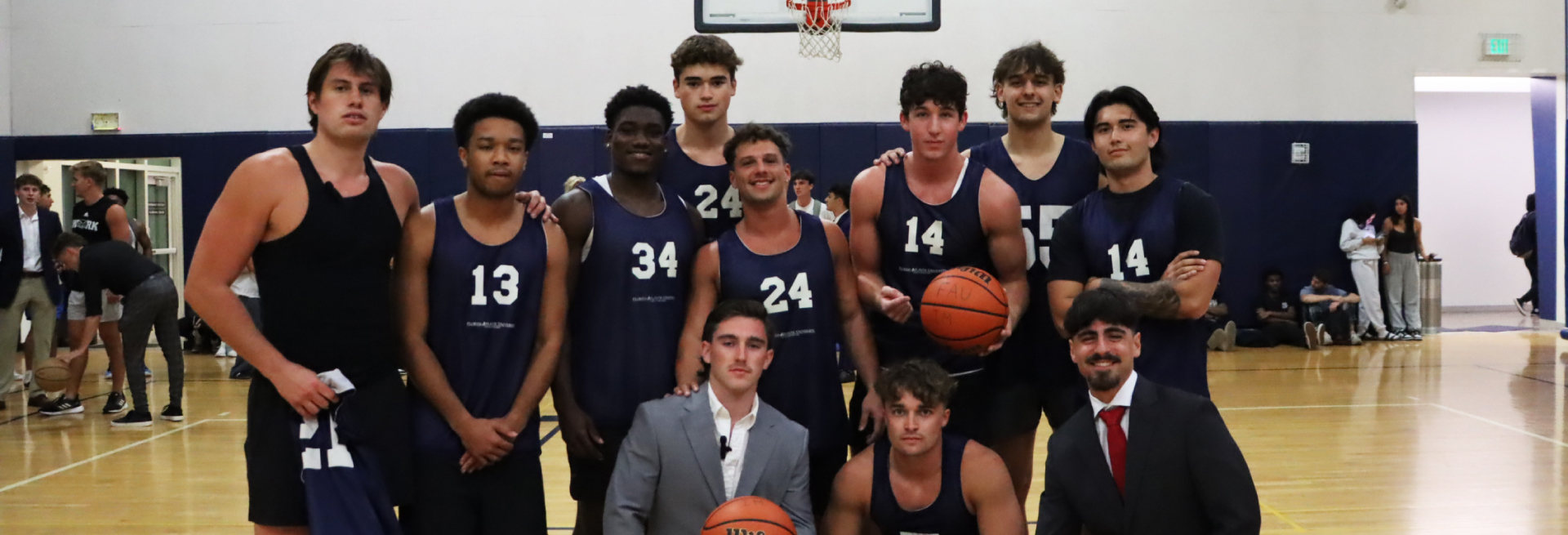
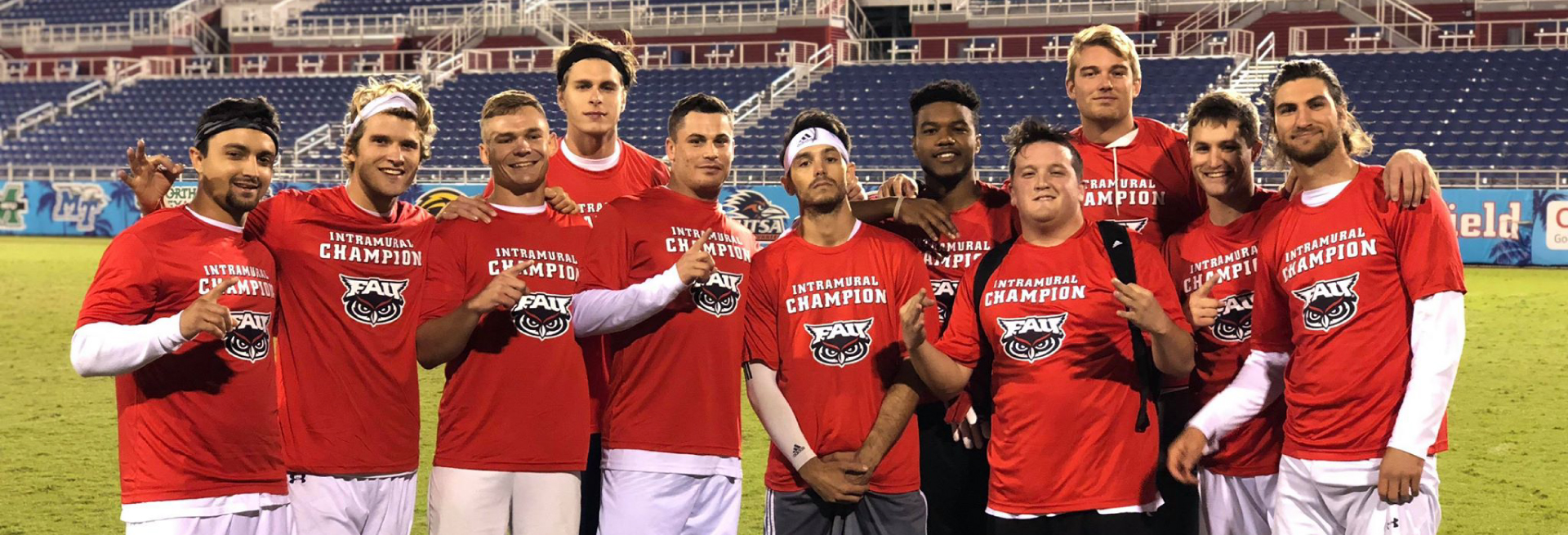
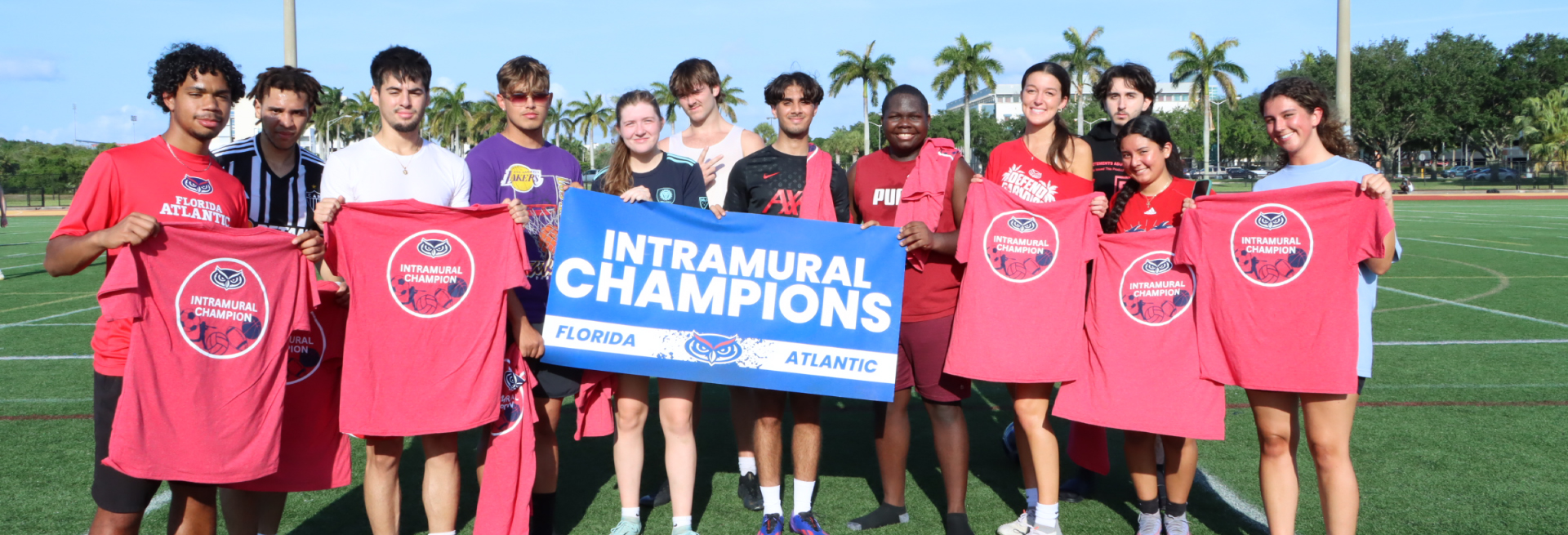
No, all skill levels are welcome! There are recreational leagues available to teams that just want to have fun or try out a new sport. There are also competitive leagues for those seeking to compete at a high level and wish to participate in a playoff tournament for our coveted intramural championship t-shirt. Intramural Sports promote sportsmanship, teamwork and participation so we encourage you to come out and have fun!

All Intramural Sports games are held on the Boca Raton campus at Florida Atlantic. Outdoor sports locations can vary, but typically are held at the Track & Field Complex near the basketball arena, or Henderson Field near Henderson High School. Indoor sports are typically held at the Recreation and Fitness Center at the North end of the Breezeway. Each sport will list its specific location when you register. Most Intramural Sports games are held Sunday 5 PM - 10 PM and Monday through Thursday evenings 5 PM - 11 PM.

Team rosters are typically capped at 2.5x the number of people needed to field a full team. For sports that require a fewer number of players, the roster maximum may be lower. 
 

Some teams may elect to hold practices on their own, but there are no scheduled practices for Intramural Sports.

If you know for sure that your team will not have enough players to participate in a game, you should default the match. This can be done by emailing imsports@fau.edu with your team name, the sport, and your intention to default prior to 3:00 PM the day of the game or 5:00 PM on the Friday before a weekend game. Doing so will still count as a loss, but you will not be assessed a forfeit fee and the team will preserve a sportsmanship rating of 3.0 for the match. Additionally, this allows the office to see if other teams would like to fill your place in an extra game (does not count towards standings) or adjust our staffing schedule for the evening.

Individuals not on a team but interested in playing Intramural Sports can register as a “Free Agent” for a specific activity on IMLeagues.com. Once registered as a free agent, teams can request to add you to their team, or you can request to join a team. If there are enough free agents to fill a full roster, the Sport Programs Office could create a free-agent team if league space is available.

Teams are permitted to utilize our nomad rule to help ensure they have enough players to field a full team. A “Nomad” is a participant who is already on an existing roster, but will temporarily be playing for another team to help them have enough players for the game. You can only add enough nomad players to meet the full amount needed to play (e.g., 5 players for basketball). This is a great way to avoid forfeiting a game. Nomads are not permitted in the playoffs.

Due to space and staff limitations, reschedules are not available for regular season games. During the playoffs, if a team is unable to play a scheduled game, they are responsible for submitting a reschedule request and working with the other team to find a new time that works for both teams. The team wishing to reschedule should email the Sport Programs office at imsports@fau.edu before the day of the game. Reschedule requests must be approved no later than 3:00 PM the day of the scheduled game. A limited number of rescheduled opportunities will be allowed in the playoffs.

Inclement weather does happen and we will do our best to notify you in advance about any weather cancelations. Games will either be canceled by 4:00 PM if we anticipate lightning or other inclement weather, or as soon as we make the determination that it is no longer safe to play. An email will be sent from IMLeagues to all participates scheduled to play notifying them of the cancelation. We suggest making sure your phone number is up to date in IMLeagues and that you accept the text messages so that we can update you on late notifications due to weather. If you have not received an email from IMLeagues, plan on your game happening.

There are a few different things that could cause this to happen. First, you need to have a roster that meets the standard number of players for that sport (e.g., 5 players for basketball) and the required number of males/females if it is a Co-league. Next, if the division preferences you submitted were already full, IMLeagues will not automatically move you into a division. You can still move your own team into an open slot or contact us to move it for you at imsports@fau.edu. Your team is not considered registered until it meets the roster minimum and has been slotted into a division.

We are constantly on the lookout for people passionate about sports to become Intramural Sports Officials. Please check out the Join Out Team page under "About Us" on the Campus Recreation website. You can also contact  imsports@fau.edu for more information.

Participant Handbook

Please remember to review the Participant Handbook if you are planning on participating in Intramural Sports. The Sport Programs Staff reserves the right to use professional discretion when necessary to make appropriate decisions regarding the policies and guidelines listed in the following links.

For more information, contact the Sport Programs Administrative Staff at  imsports@fau.edu.

Intramural Participant Handbook

Individual Sport rules can be found below:
Intramural Sport Rulebooks

Intramural Sports

Join Our Team

NASO - Say Yes to Officiating Documentary - 30 Sec

We are constantly on the lookout for people passionate about sports to become Intramural Sports Officials. No prior officiating or sports experience is required.

Please check out the Join Our Team page under "About Us" on the Campus Recreation website, or click the button below. You can also contact  imsports@fau.edu for more information.
Join Our Team

Fall 2025

Leagues: Volleyball Flag Football Indoor Soccer Basketball Softball Fantasy Football Tournaments: Billiards Cornhole Badminton Outdoor Soccer 5K Race

Spring 2025

Leagues: Basketball Outdoor Soccer Pickleball 5v5 NFL Flag Football Pickleball Kickball Beach Volleyball Tournaments: March Madness Bracket Challenge Indoor Volleyball Spikeball Cricket Dodgeball Billiards

For more information, contact the Sport Programs Administrative Staff at  imsports@fau.edu.

How to Register

All intramural participants must create an account on IMLeagues.com where you will create, join, or find intramural teams to play on.

We recommend using the browser version of the platform, but IMLeagues also offers a free app that you can download on the App Store and Google play.

Create an IMleagues Account


IMLeagues.com Login Tutorial

Team Captains: Create a Team

Create your team in IMLeagues:

  1. Login to your IMLeagues.com account (use FAU username and password).
  2. Click the "Register" button at the middle of your User Homepage page OR Click on the “Florida Atlantic University” link at the top left to go to your school’s homepage on IMLeagues.
  3. The current sports will be displayed; Click on the sport you wish to join to see available leagues and divisions.
  4. Click on the desired division, then click “Create Team.” Accept the waiver and complete the team information.
  5. Invite members to their team by clicking the “Invite Members” link on the team page.
  • If they’ve already registered on IMLeagues: Search for their name, and invite them
  • If they haven’t yet registered on IMLeagues: Scroll down to the “Invite by Email Address” box, and input their email
  • addres
  • Note: Any invited members must accept the invitation to be joined to your team
How to Create a Team

Join a Team – Free Agency

Looking for a team to join? Here's how free agency works.

To Join a Team - for Players:

  1. Accept an email invitation from the team captain to join a team.

OR

  1. Login to your IMLeagues.com account (use FAU username and password).
  2. Enter team name in the Search field at top of page to locate desired team, OR click Intramural Sports, select the sport and league, then locate the desired team at the bottom of the page.
  3. Click Join Team. Enter required information and Submit your request to the team captain.

To Invite Players - for Team Captain:

  1. From your team page, click Invite Players.
    • If a participant already has an IMLeagues account, enter his/her name to search. If a participant does not have an IMLeagues account yet, enter his/her email address.
    • You may click View to see participants to invite: My Teams (previous teammates), My Friends, or Free Agents
  2. Add any invitation message and click Send Invitations.
  3. Participants will receive an e-mail invitation and must accept the invitation to join your team.

To Join as a Free Agent:

You can list yourself as a free agent in as many divisions within a league as you would like. You will be visible to all members of the site and can request to join teams, or put information about yourself so teams can request to add you to their team.

This does not guarantee that you will be invited to join a team.

  1. Login to your IMLeagues.com account (use FAU username and password).
  2. Click the "Register" button at the middle of your User Homepage page OR Click on the “Florida Atlantic University” link at the top left to go to your school’s homepage on IMLeagues.
  3. The current sports will be displayed, click on the sport you wish to join to see available leagues and divisions.
  4. Click on your preferred league(s) or division(s).
  5. Click Register / Signup, then select Free Agent.
  6. Provide any additional information about yourself and click Submit.

To Invite Free Agents - for Team Captain:

  1. From your team’s page, select Invite Players. Click View, then Free Agents to see a list of available free agents.
  2. Click on the participant to view player information (note contact info – name, email address).
  3. Enter the participant’s name or email address to Send Invitation to join the team.
How to Join a Team

Division of Student Affairs

The Division of Student Affairs transforms and develops all our students through varied and challenging programs and services.

Contact Us

location_on
777 Glades Road
Student Union, Suite 200
Boca Raton, FL 33431

Follow Us